
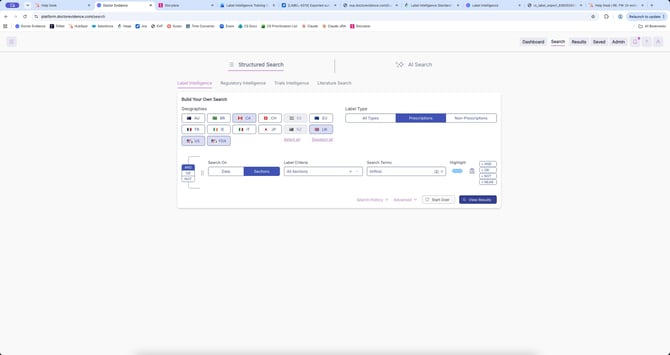
1. Start here:
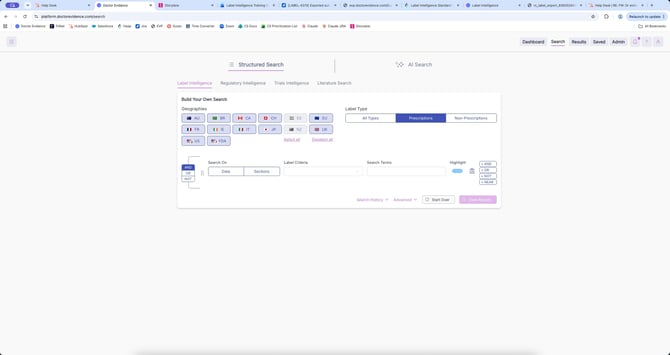
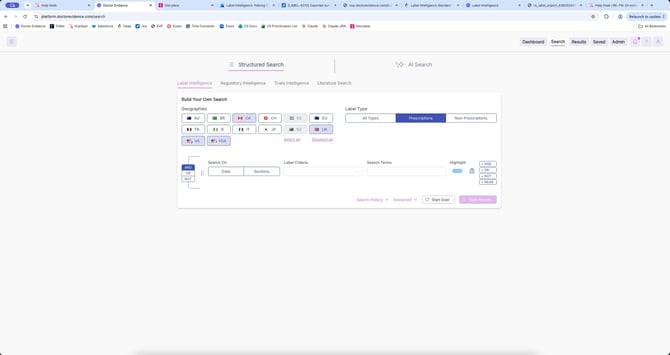
2. Select your geographies
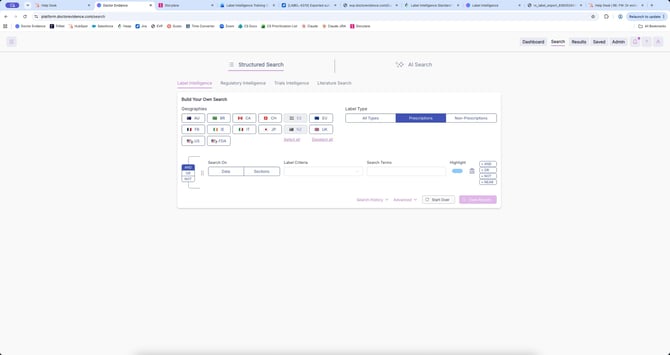
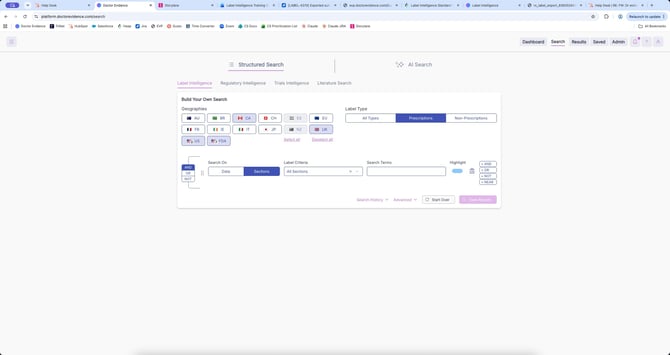
3. Select your label section
4. Enter your search term
5. Select "View Results"
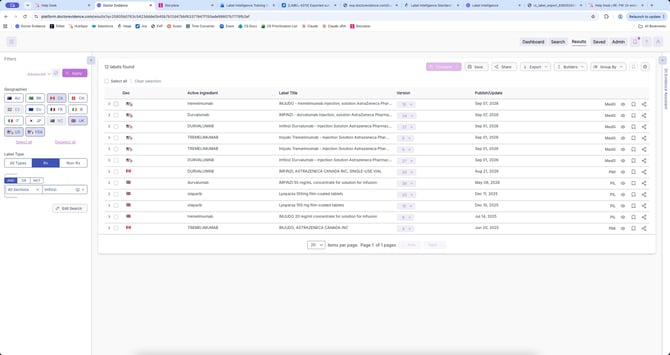
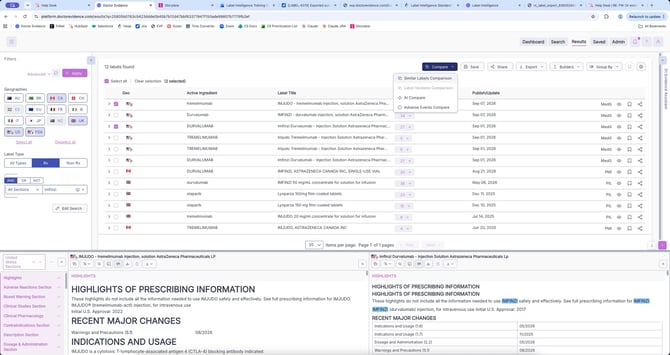
6. Select the similar labels you want to compare
7. See exactly how the same drug is communicated differently to different regulatory audiences.
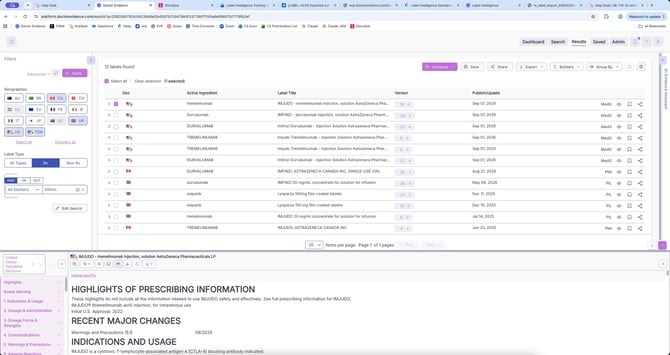
8. Select the "compare" button, then select "Similar Labels Comparison"
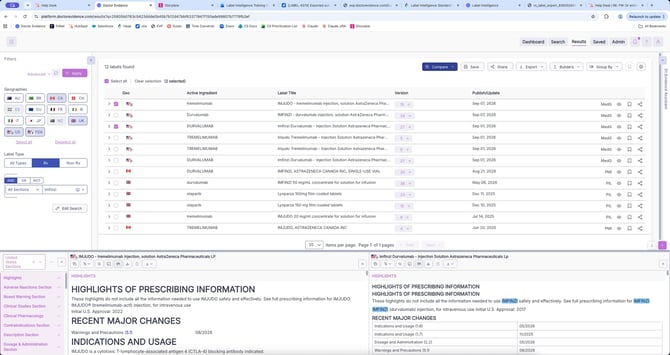
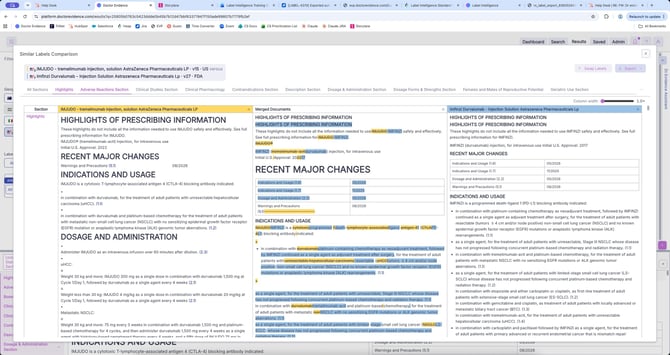
9. Expand the view. Every detail you reveal brings you closer to the full picture regulators and competitors are working from.
10. Select the "Export" button if you wish to export your results
Need more help? Contact us at support@drevidence.com to reach your Client Services Manager for additional training.